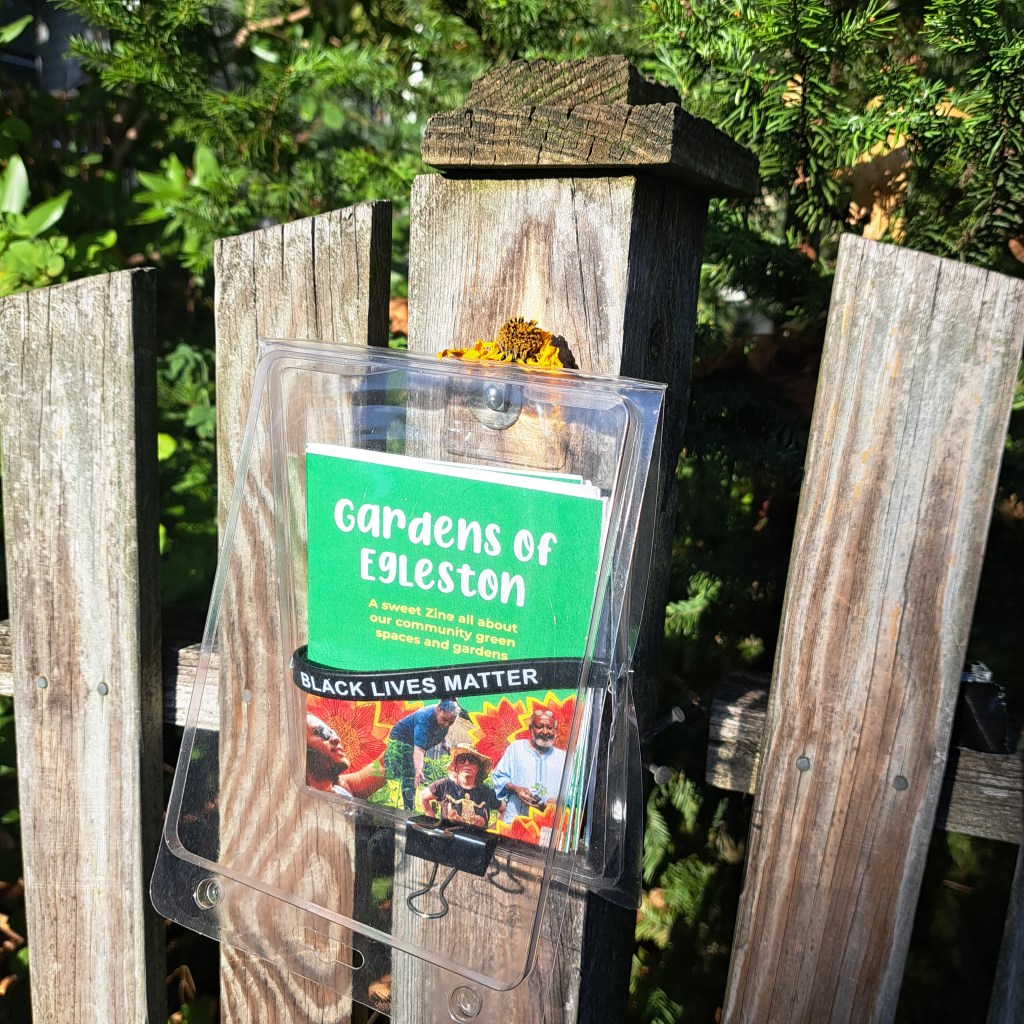
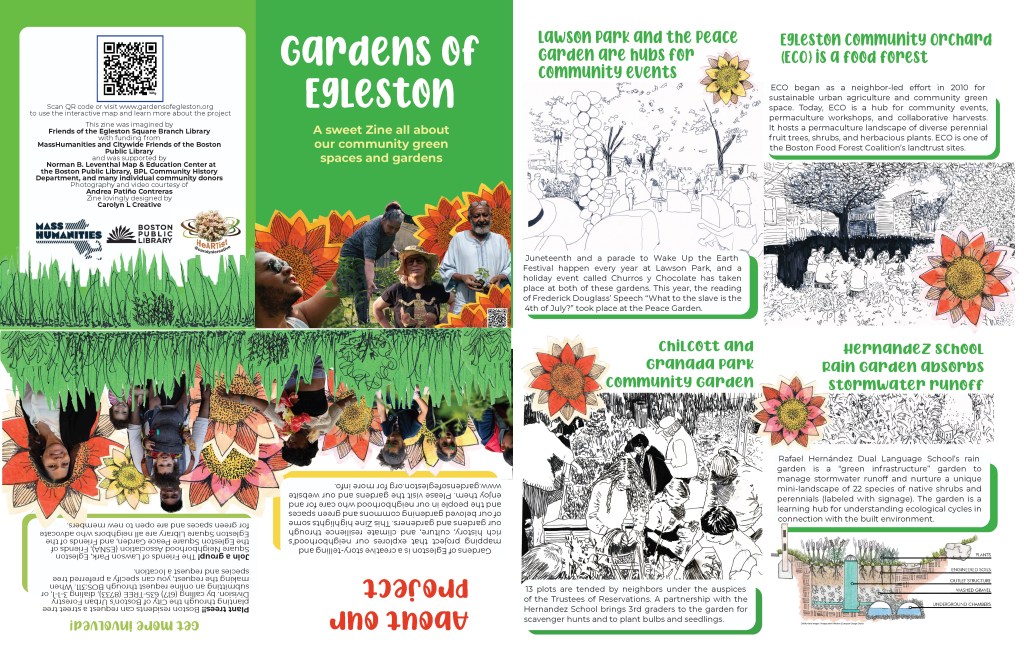
Want your own copy of the zine?
You can pick them up from 45 Atherton Street!
Or, if you’d like to download a zine to print and fold for yourself, scroll down for instructions.
Click here to download the Gardens of Egleston zine in English
Click here to download the Gardens of Egleston zine in Spanish
Instructions on how to print and fold:
- Step 1: Download the PDF. Print double-sided.
- Step 2: Trim each .25 inches off of each side
- Step 3: Fold in half along the long edge, then the short edge, then in the middle once again.
* Did you know * that if you have a library card, you can use their printers for free?
 Gardens of Egleston